
Five demos to try
All examples are concepts with fixed sample data. They show what the solution can look like for your customers and your business.
From guest to team to owner.
- Guest orders or books(done)
- Team accepts, delivers or confirms(done)
- Owner sees revenue and bookings(done)
Try it: order something in the customer view or book a table there. Sample data and sample prices: nothing is stored, sent or actually paid.
Customer view
Restaurant Example
Arabic cuisine
Pickup at Restaurant Example, Beispielstraße 1, 44135 Dortmund
Delivery address
Sample data. Please do not enter real data. Nothing is sent.
The order has arrived in the staff view.
Menu
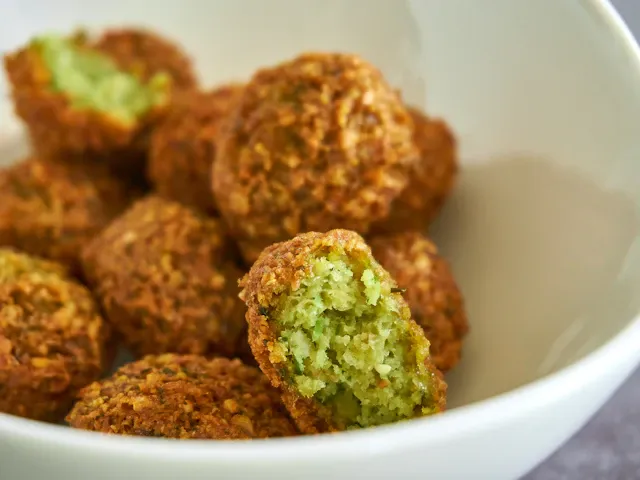
Falafel plate
Five falafel, tahini, salad and pickles.
€9.50Sold out0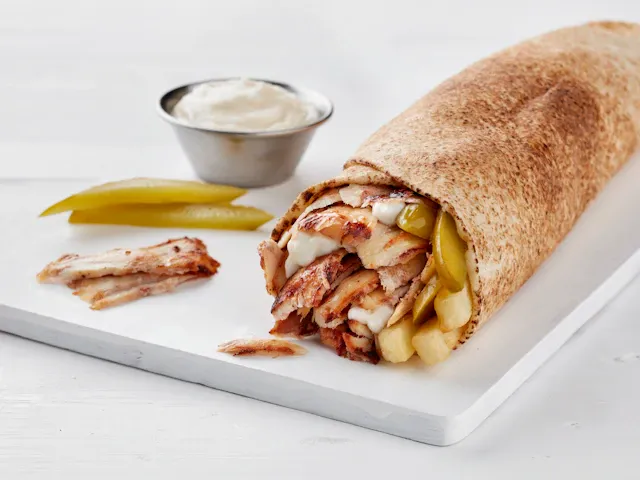
Chicken shawarma
In flatbread with garlic sauce and pickles.
€10.50Sold out0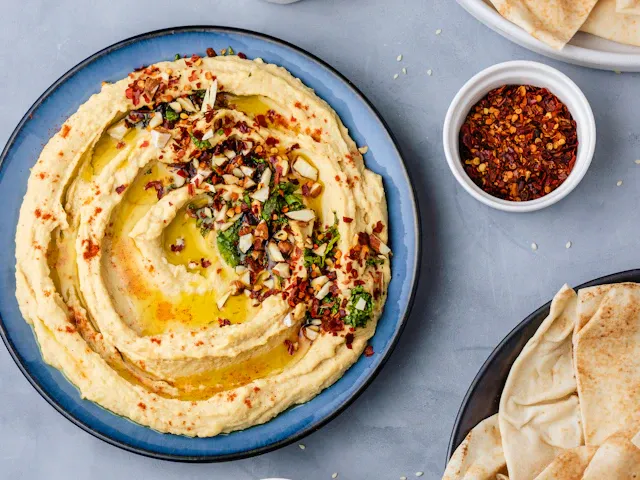
Hummus with bread
With olive oil and warm flatbread.
€6.00Sold out0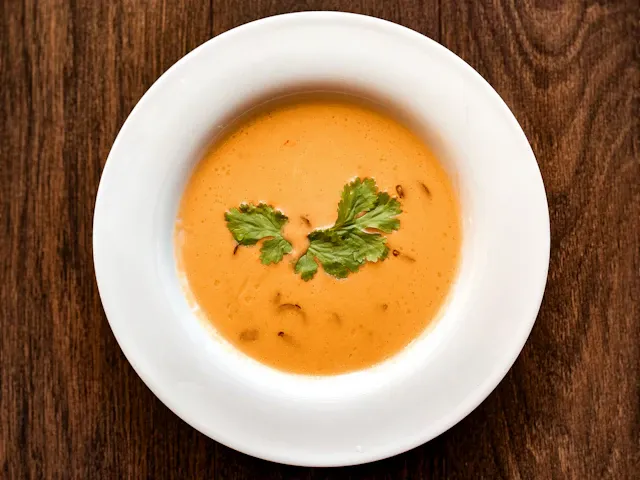
Lentil soup
Red lentils, cumin and lemon.
€5.50Sold out0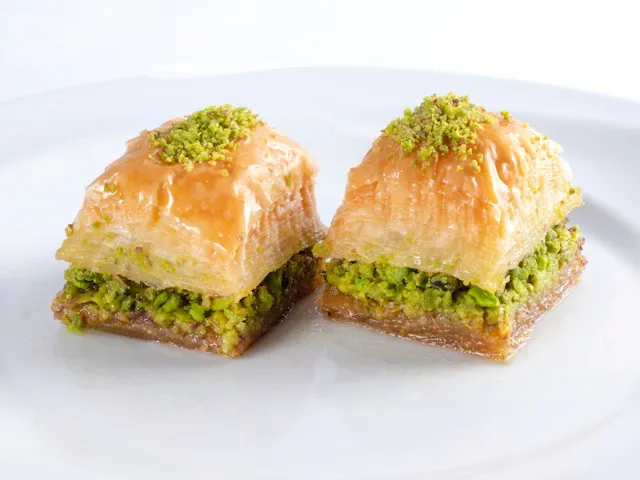
Baklava
Four pieces with pistachios.
€4.00Sold out0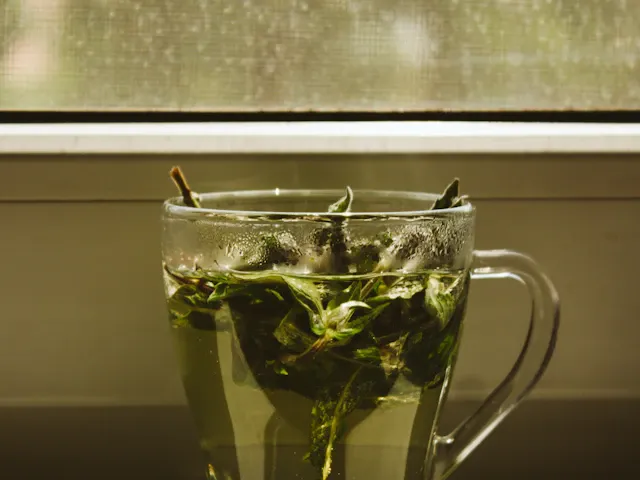
Mint tea
Fresh mint, sweetened on request.
€3.00Sold out0
The request has arrived in the staff view.
Basket
Staff view
Staff view
Open orders: 0
No orders yet. Order something in the customer view and it will appear here.
New0
Accepted / Being prepared0
Ready / On the way0
Done0
Table bookings0
No bookings yet. Book a table in the customer view.
Admin (owner)
Sample data. Figures before the first order are made up; new demo orders are added.
Figures for today and this month
- Revenue today
- Revenue this month
- Orders today
- Average basket today
Orders today by type
- Pickup
- Delivery
Pre-orders
Bookings today
Deposit to confirm
Guests pay a deposit of €10 when booking (sample payment, nothing is paid).
Revenue over the last 7 days
Show figures
| Day | Revenue | Orders |
|---|---|---|
| Day 1 | ||
| Day 2 | ||
| Day 3 | ||
| Day 4 | ||
| Day 5 | ||
| Day 6 | ||
| Today |
Most popular dishes this month
Manage the menu
Changes show up on the customer page right away. Orders already paid keep their price.
From QR code to counter and kitchen to bill.
- Guest scans and orders(done)
- Counter and kitchen prepare, waiter serves(done)
- Bill at the table(done)
Try it: tap “Scan QR code” in the guest view. Sample data and sample prices: nothing is stored, sent or actually paid.
Guest view
Café Example
Table 7
Welcome to table 7
Scan the QR code on your table to open the menu and order.
The waiter declined the request. Please speak to the staff or scan again.
Waiting for the waiter
Your table request has reached the waiter. As soon as they accept the table, you can order.
The request has arrived in the waiter view.
Table code
4827
More guests join with this code.
You pay at the end with the waiter or at the till.
Orders at table 7
Shared bill
Menu

Cappuccino
Espresso with milk foam.
€3.200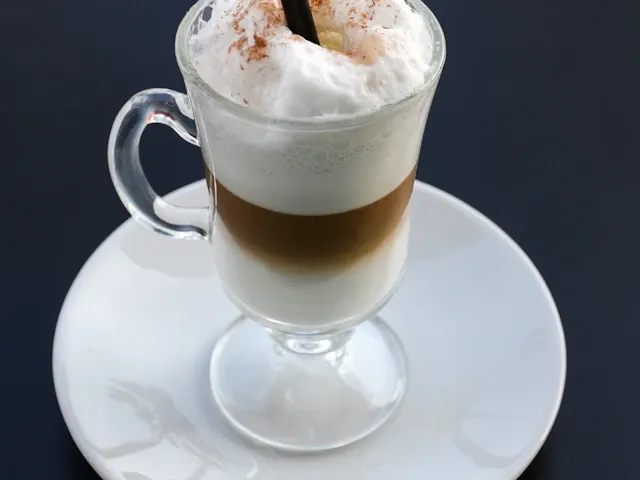
Latte macchiato
Hot milk, espresso and milk foam in a glass.
€3.600
Filter coffee
Freshly brewed, with milk on request.
€2.800
Chai latte
Spiced tea with frothed milk.
€3.900
Tea
Black tea, with lemon on request.
€2.900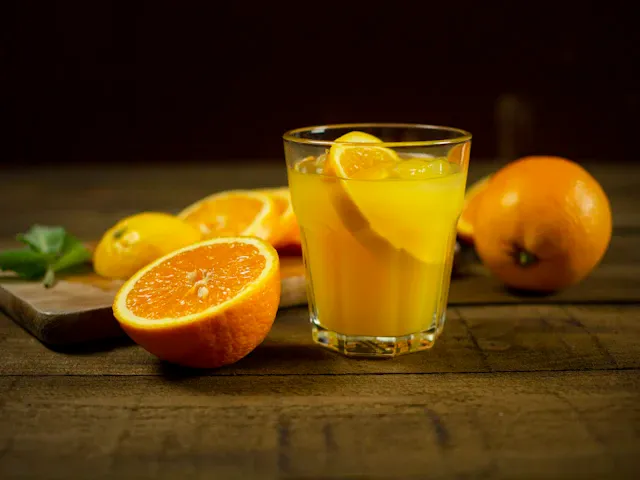
Freshly squeezed orange juice
From fresh oranges, 0.3 l.
€3.800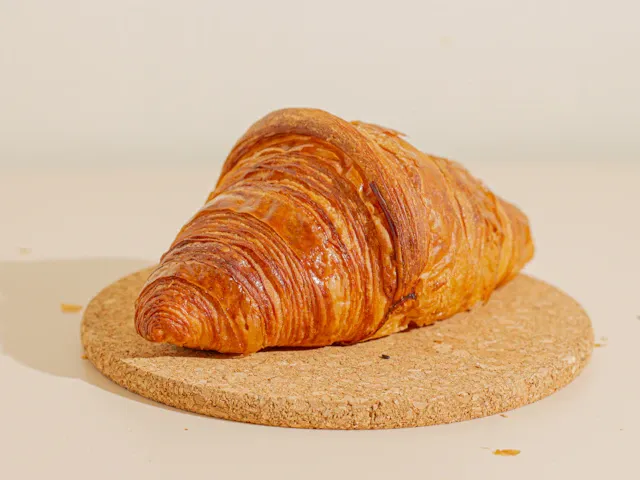
Croissant
Baked with butter.
€2.100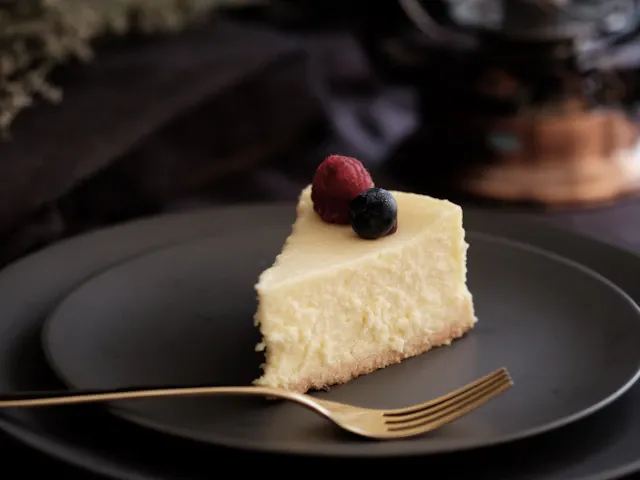
Cheesecake
One slice, creamy, on a shortcrust base.
€3.900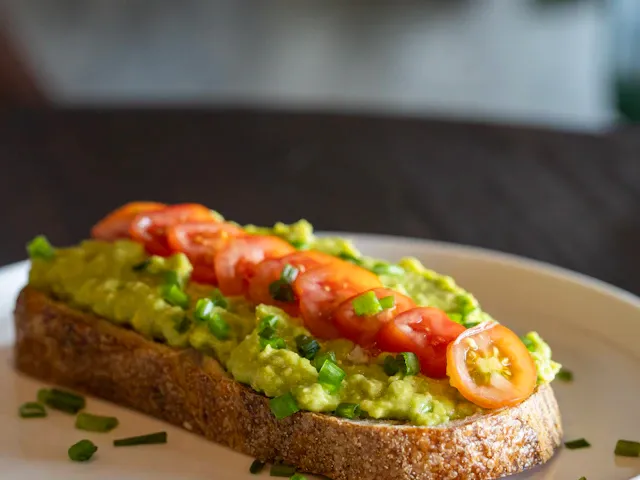
Avocado toast
Sourdough with avocado, tomatoes and chives.
€6.900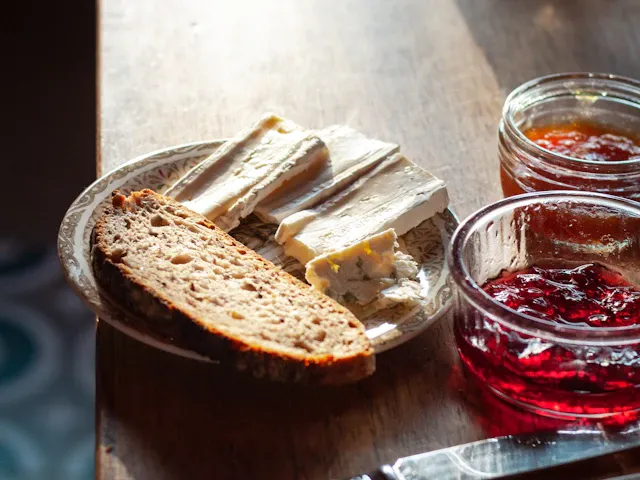
Breakfast
With bread rolls, cheese and jam.
€7.900
Thank you for your visit
The bill has been paid. We look forward to your next visit.
Waiter view
Waiter view
Occupied tables: 3
Table plan
- Table 1Free
- Table 2Occupied
- Table 3Free
- Table 4Occupied
- Table 5Free
- Table 6Free
- Table 7FreeDemo table
- Table 8Occupied
Table 7
No open request from table 7.
Table 7 would like to order.
Table 7 is calling the waiter.
Ready to serve
Nothing to serve right now.
Bill for table 7Bill requested
No orders yet.
Counter and kitchen
Open orders: 0
No orders yet. Orders from table 7 appear here.
New0
Being prepared0
Ready0
From QR code to stamp to regular guest.
- Guest scans and creates the card(done)
- Team gives stamps(done)
- Owner reaches regulars(done)
Try it: tap “Scan QR code” in the guest view. Sample data: nothing is stored or sent.
Guest view
Café Example
Stamp card
Welcome to Café Example
Scan the QR code on the table or at the counter.
Free Wi-Fi
Demo · Concept- Network name
Cafe-Beispiel-Gast- Password
beispiel-2026
Next, you’ll go to the card.
Cappuccino
Espresso with milk foam.
€3.20Latte macchiato
Hot milk, espresso and milk foam in a glass.
€3.60Filter coffee
Freshly brewed, with milk on request.
€2.80Chai latte
Spiced tea with frothed milk.
€3.90Tea
Black tea, with lemon on request.
€2.90Freshly squeezed orange juice
From fresh oranges, 0.3 l.
€3.80Croissant
Baked with butter.
€2.10Cheesecake
One slice, creamy, on a shortcrust base.
€3.90Avocado toast
Sourdough with avocado, tomatoes and chives.
€6.90Breakfast
With bread rolls, cheese and jam.
€7.90
Café Example
Stamp card · Demo · Concept0 of 8 stamps
After 8 stamps: a free coffee.
Voucher: free coffee
Show it at the counter and the team will redeem it.
Your card has arrived in the staff view.
Messages
Staff view
Staff view
No card selected yet. Scan the guest’s card or choose a card holder below.
Card holders0
Owner view
Sample data. The starting figures are made up, and your demo actions are added to them.
Key figures
- Card holders
- Stamps given
- Vouchers redeemed
“We miss you” message
Preview
Nearby notice
If the card is saved in the wallet, the phone can show a notice when the guest is roughly 150 to 200 m away. The phone decides whether and when it appears. We do not see any location and do not track anyone.
Preview
Café Example is just around the corner. Your next stamp is waiting.
AI search visibility: before and after.
The same business, shown twice: once in an AI assistant’s answer and once in a sample search. When its details are missing or out of date, the assistant names other businesses, and it appears further down the search results, even if the owner entered a description and opening hours. When its details are complete and up to date, we work towards it being named and appearing near the top.
This is an example. We work to make sure AI assistants such as ChatGPT, Gemini and Claude, and search engines, find your business. But we can’t guarantee it: the companies behind them decide what gets mentioned and in what order.
AI assistant (example)
QuestionWhere can I have lunch nearby today and order online?
Nearby, Restaurant Muster and Imbiss Probe, for example, offer takeaway food. It’s best to ask them directly about opening hours and how to order.
Restaurant Example is not named.
Restaurant Example at Beispielstraße 1 is open today from 12:00 to 22:00 and serves fresh food, including a lunch menu. You’ll find the menu and online ordering on the restaurant’s website.
Sources: the restaurant’s website, business profile
Whether and how an AI assistant names a business is decided by the provider. There is no guarantee.
Search term: Restaurant near me
Local results (example)
Restaurant Muster
Restaurant · Musterweg 5, 44137 Dortmund
Open until 23:00
Imbiss Probe
Snack bar · Probeplatz 2, 44139 Dortmund
Open until 21:00
Restaurant Example
Our exampleRestaurant
Fresh cooking with a lunch menu, takeaway and delivery.
Open · today 12:00 to 22:00
Beispielstraße 1, 44135 Dortmund
The owner entered the description and opening hours.
- No photos
- No menu
- No ordering link
Both links lead to the ordering demo on this page.
The order is an example: complete, well-maintained listings have a better chance of appearing near the top. There is no guarantee.
Our services
- A website AI assistants can read(still open)Structured data, the menu as real text and AI crawlers allowed: so ChatGPT, Gemini and Claude can read your details.
- Business profiles on Google, Bing and Apple(still open)Photos, opening hours, menu and ordering link are complete and up to date.
- Directory listings(still open)Name, address and phone number match everywhere.
- Review requests (QR code on the table)(still open)Guests are politely asked for a review, without anything in return.
AI chat assistant
Pick a question or type your own. The answers are fixed examples; no real AI model runs behind them.
Restaurant Example
Assistant
Assistant: Hello, this is the assistant of Restaurant Example. How can I help you?
Questions to try
Free call
Book a free call
By video, by phone or in person in Germany. Free and with no obligation.